The same dish. Every shift. Whoever's cooking.
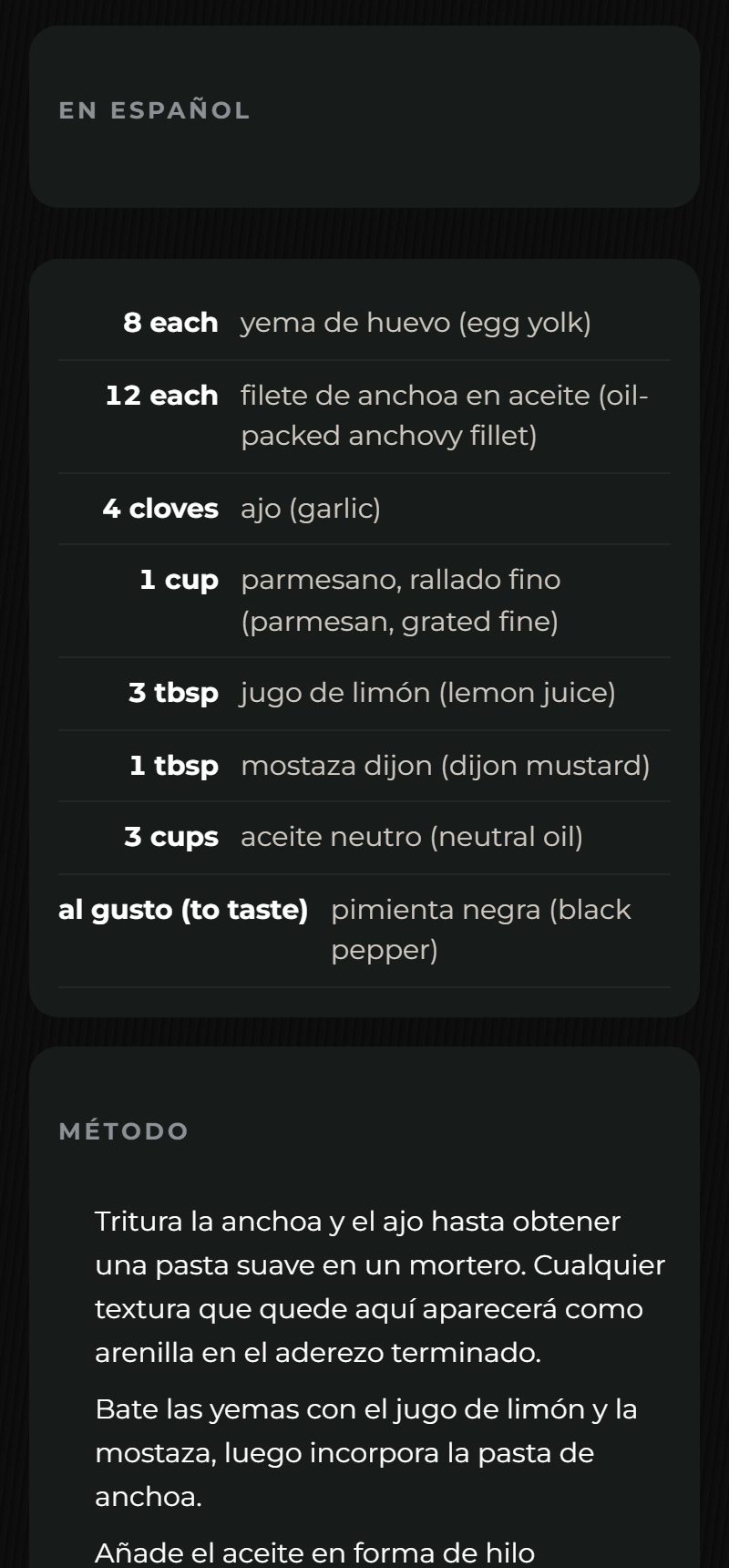
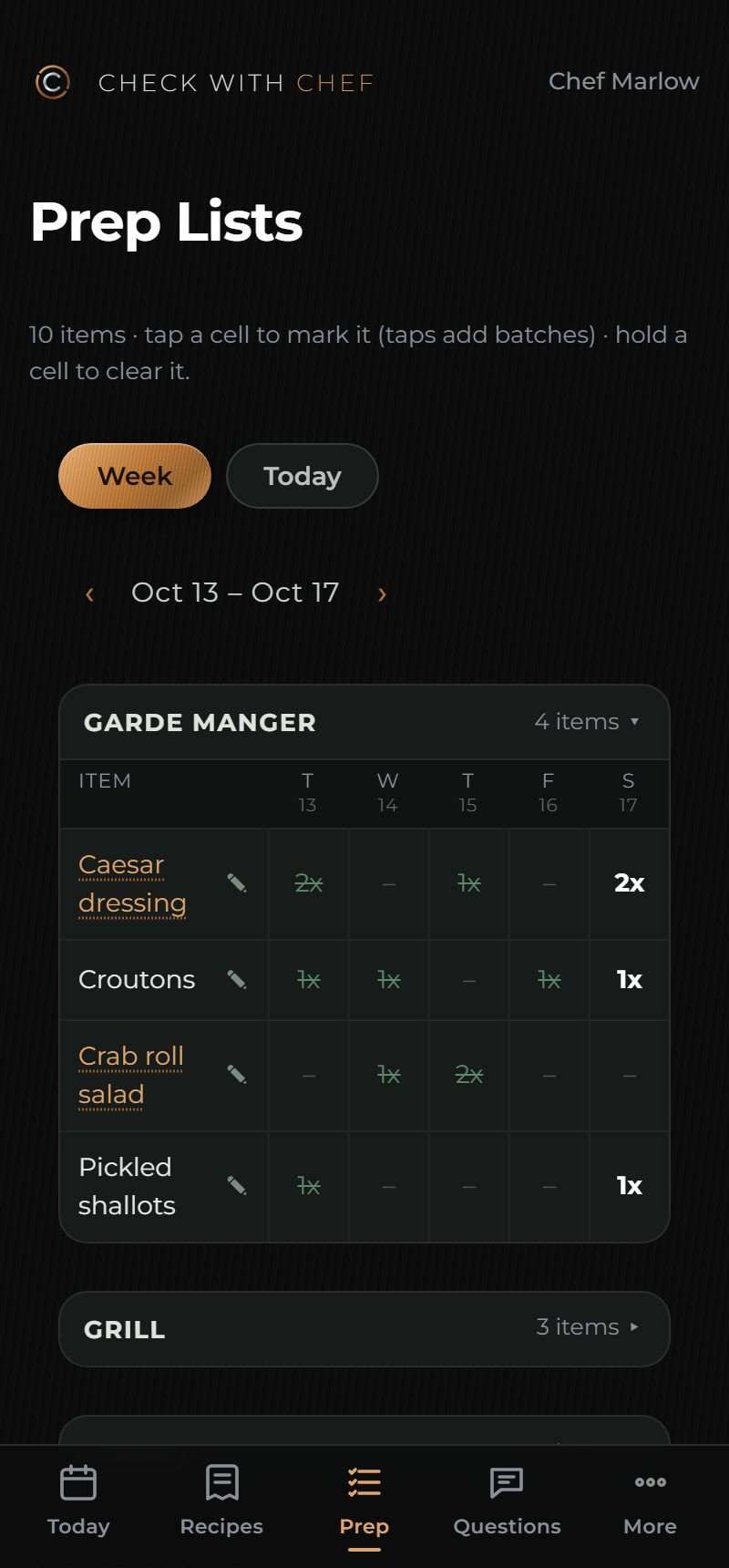
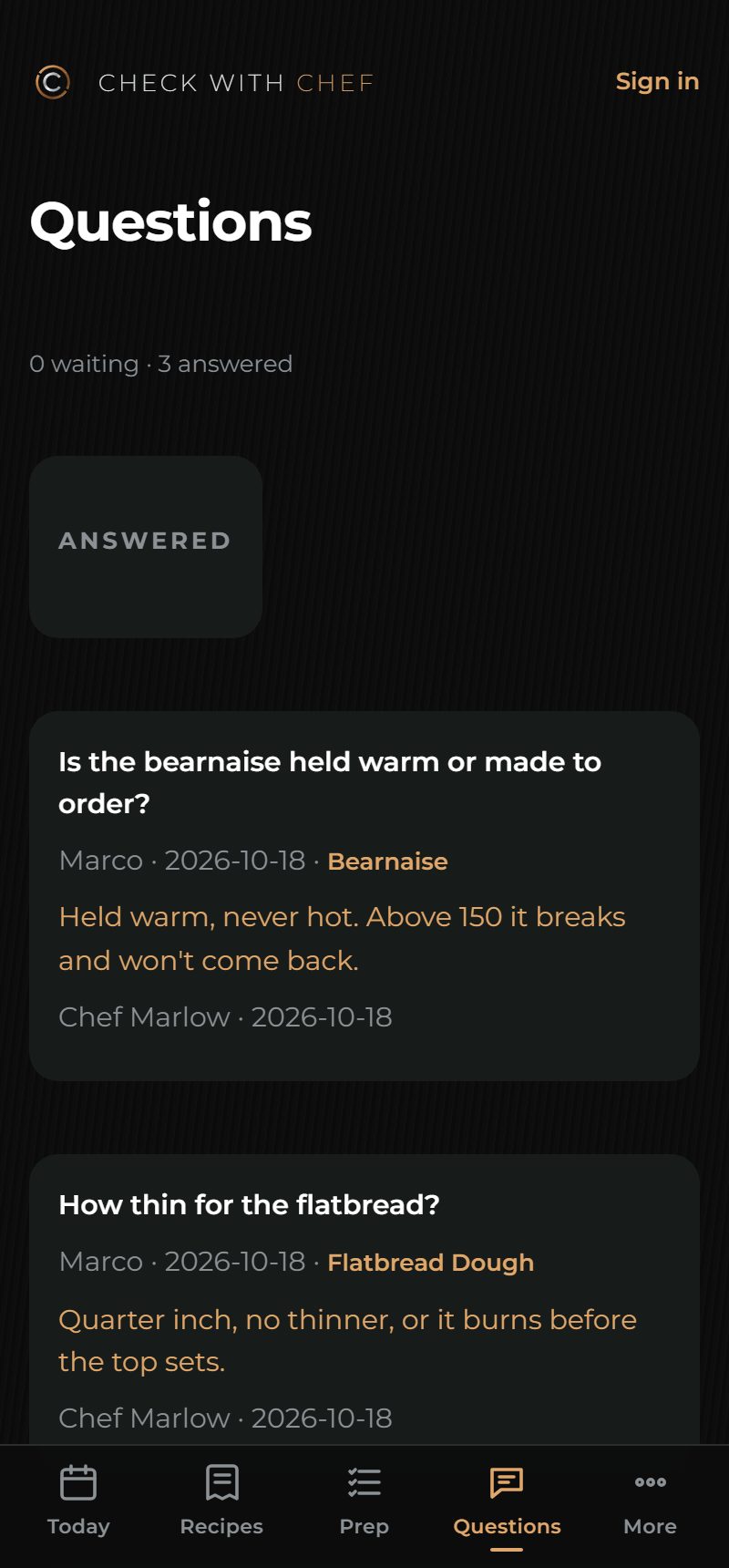
Your kitchen's recipes on every cook's phone: scaled to the batch, in Spanish beside the English, with the prep list and a straight line to the chef.
Built by a working chef, in a working kitchen
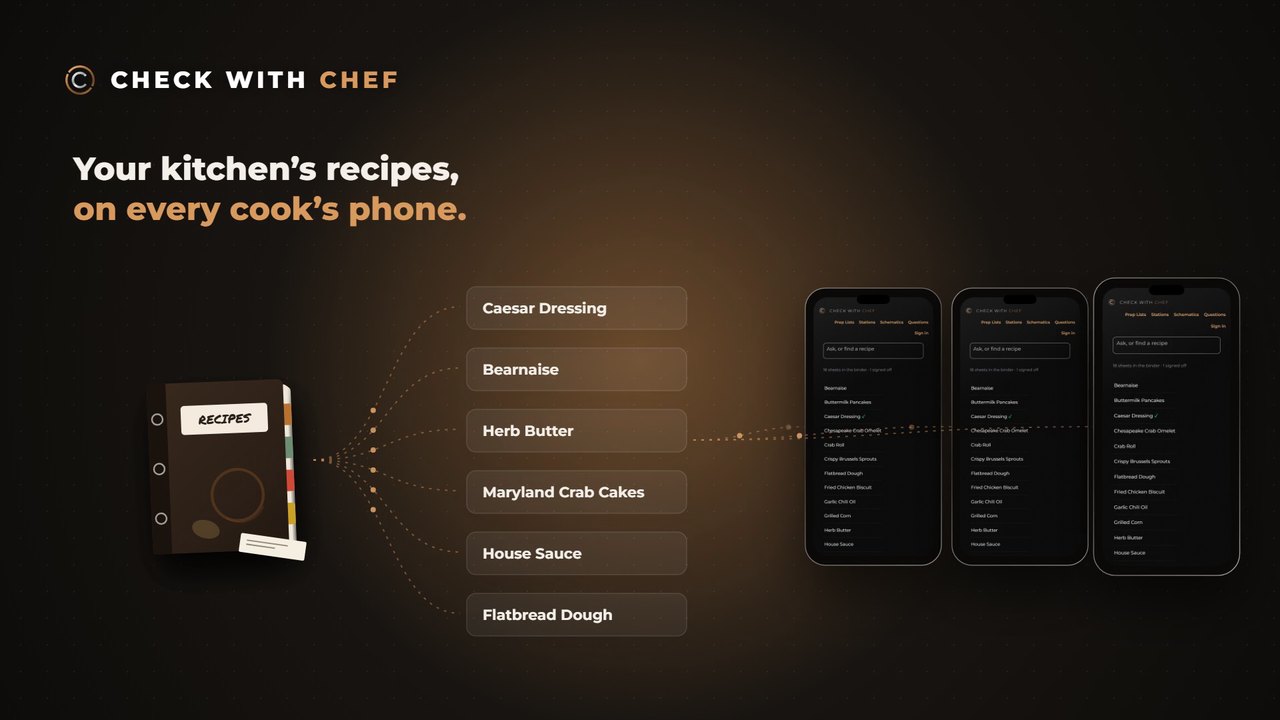
The binder, on every cook's phone.
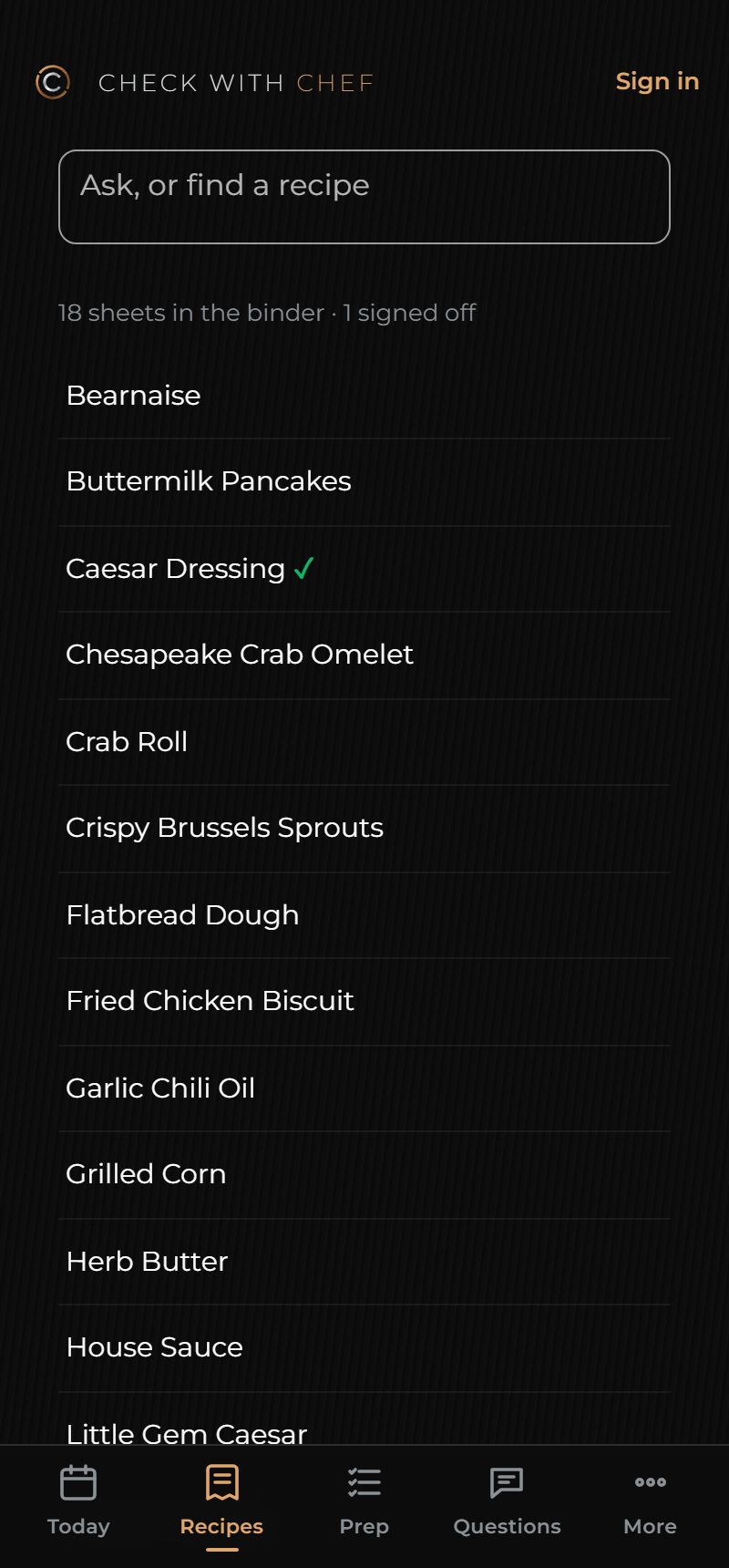
The recipe used to be in a binder somewhere, and the rest in Chef's head. Now every sheet is on the line, with every amount, the way your chef wrote it.
- Find any recipe by name, from any station.
- Every amount and every step, exactly as written.
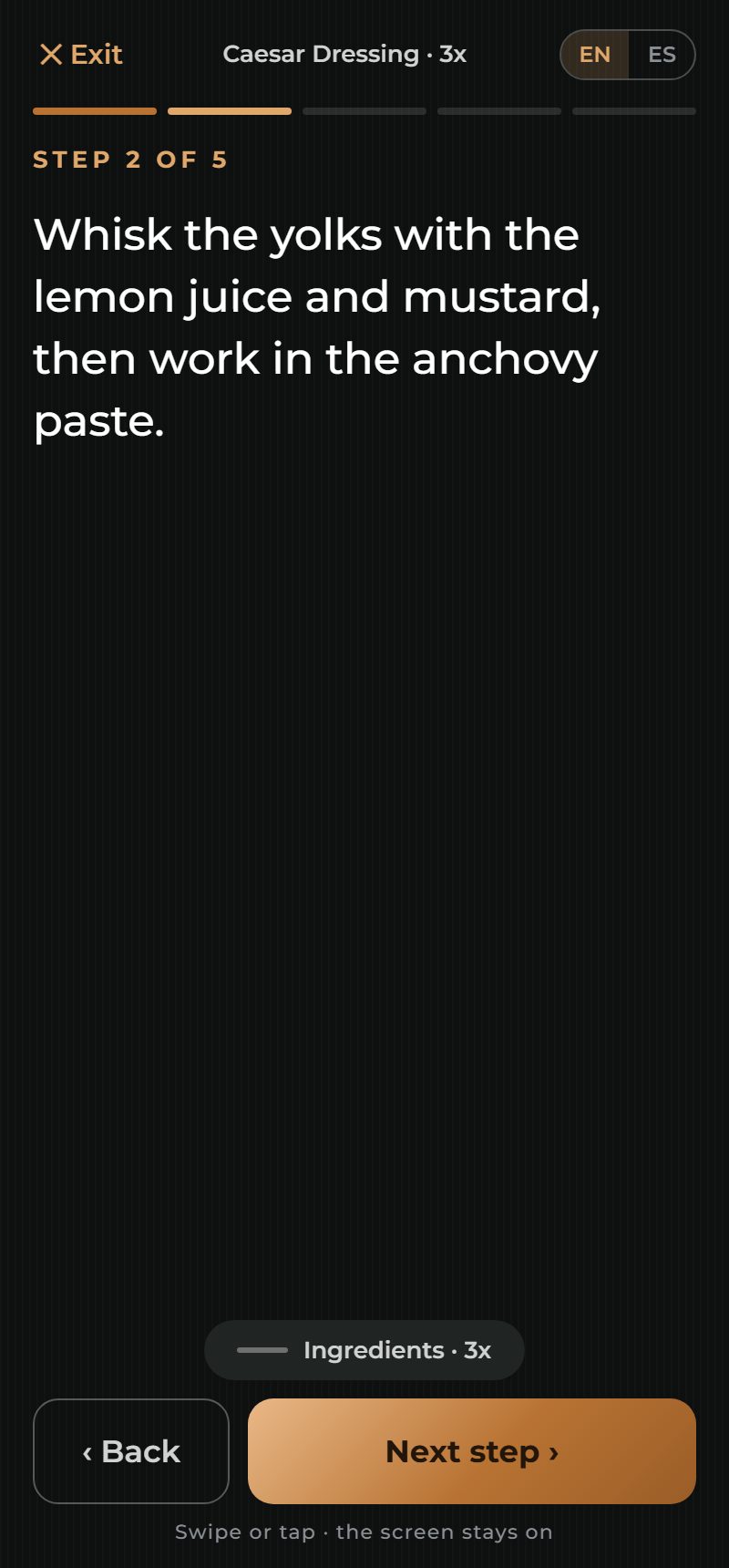
- Cook along one step at a time, at any batch.
- A mark on every sheet your chef has signed off.
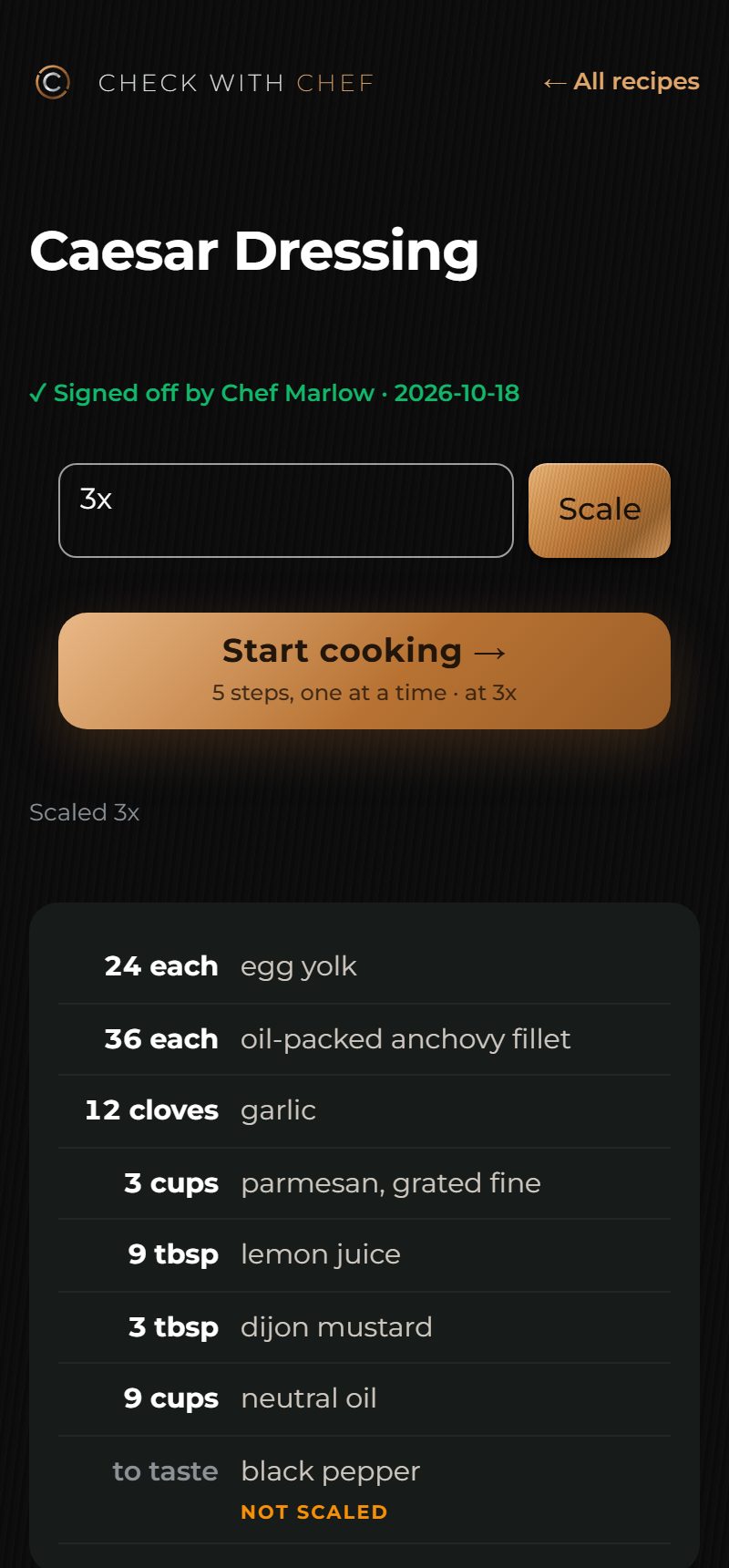
Scale it yourself.
Two recipes from Marlow House, a sample kitchen built for this page. Pick a batch. What can't be scaled is flagged, never guessed.
Worked out by the same scaling the app uses. "To taste" stays "to taste", and an amount the app can't read is shown as written for the cook to work out.
Everything the line needs, on the line.
- Also in the kitchen app
- Recipes edited and created in the app, by your chef or managers
- Dish schematics: every plate drawn out with the recipes behind it
- Rough food costing from your own yields and prices, for managers
It never guesses.
A batch made from a wrong number is wasted food, or worse. Every rule in Check with Chef leans the honest way.
What it can't scale, it says
"To taste" stays "to taste". A line carrying two amounts is shown as written, for the cook to work out.
Amounts are copied, never converted
In Spanish, 850 g stays 850 g. A machine draft wears a Draft banner until your chef approves it.
A sheet can't clear an allergen
Recipes miss what gets added at the pass. For a guest's allergy the answer is the dish in The Pass, or the chef.
Change a recipe, the sign-off lapses
Edit a signed-off sheet and it goes back to your chef to look at again. Every sign-off carries a name.
The kitchen side of The Pass.
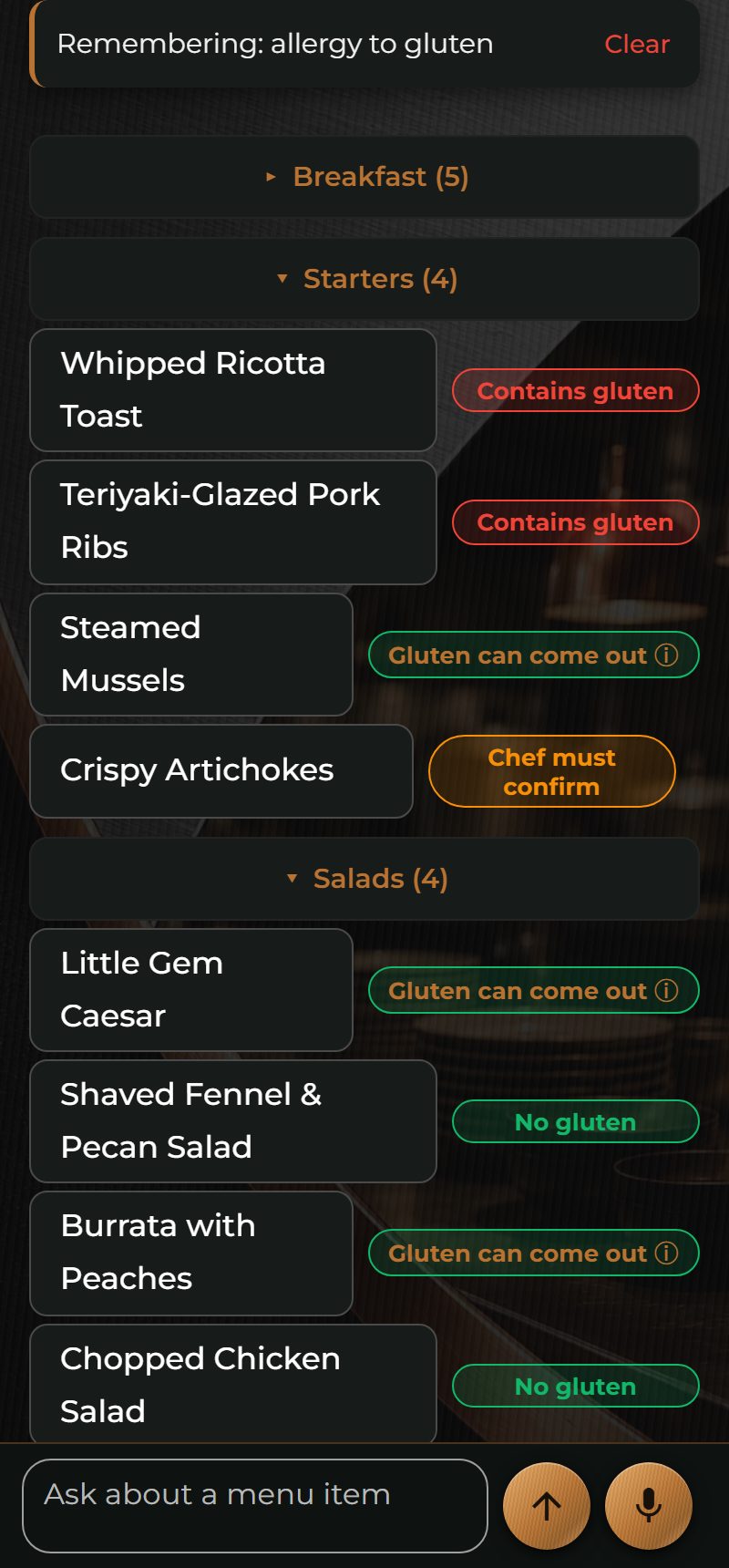
The Pass answers servers at the table, allergies included, from your chef's own records. Check with Chef is the same kitchen's recipes, for the cooks making the food. An add-on, on the same account.
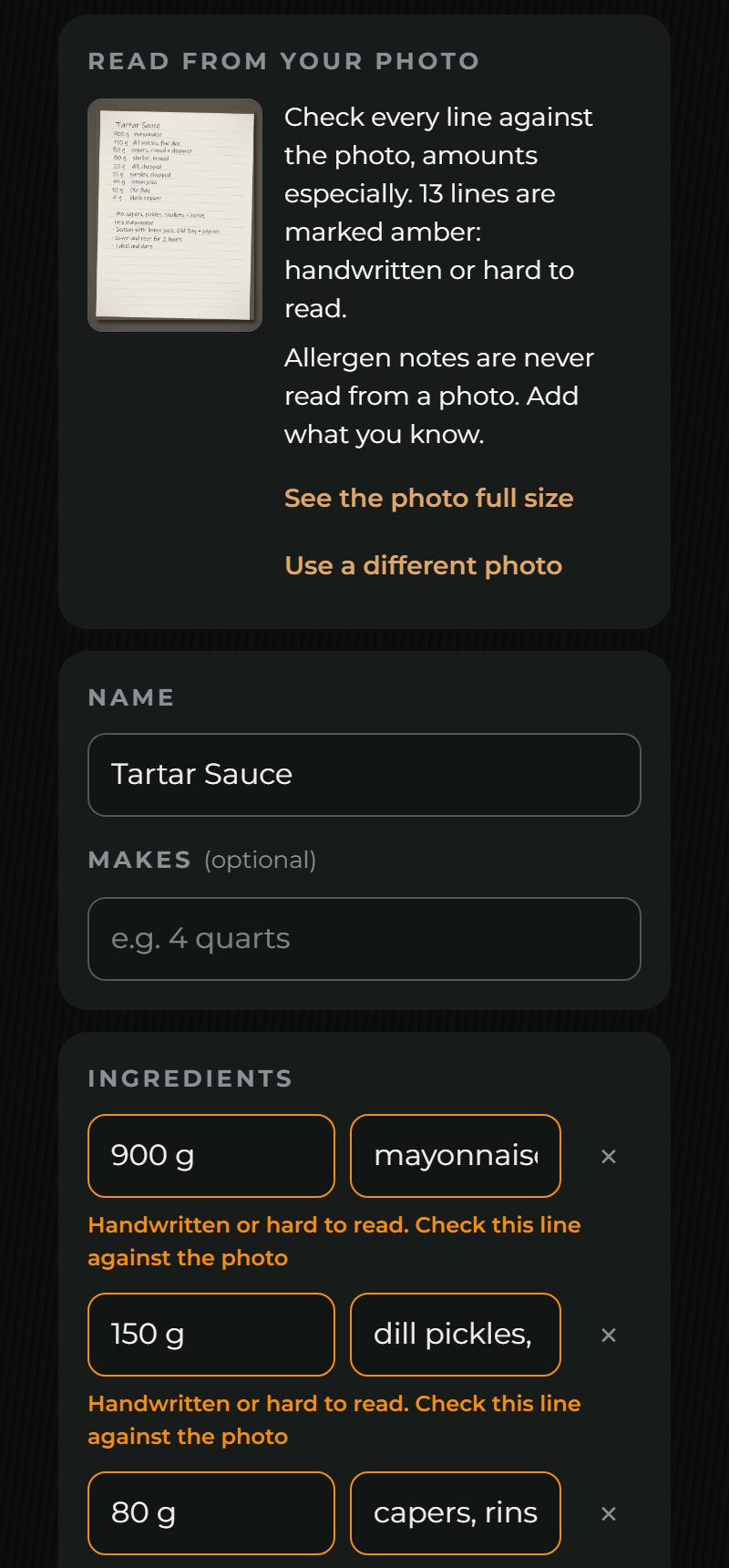
Your binder in, without retyping it.
Send your recipes
Photos of the binder's sheets or the files you already keep. Amounts are read exactly as written, and anything handwritten is marked for your chef.
Your chef checks and signs off
Every sheet shows whether it has been signed off, and only a signed-in chef or manager can change one.
Cooks add it to their home screen
The same as The Pass: no app store, no hardware, and nothing needed from your IT.
See Check with Chefin action.
Send a note and we'll walk you through Check with Chef on a sample kitchen, and answer your questions about yours.
Or email us
info@askthepass.com